
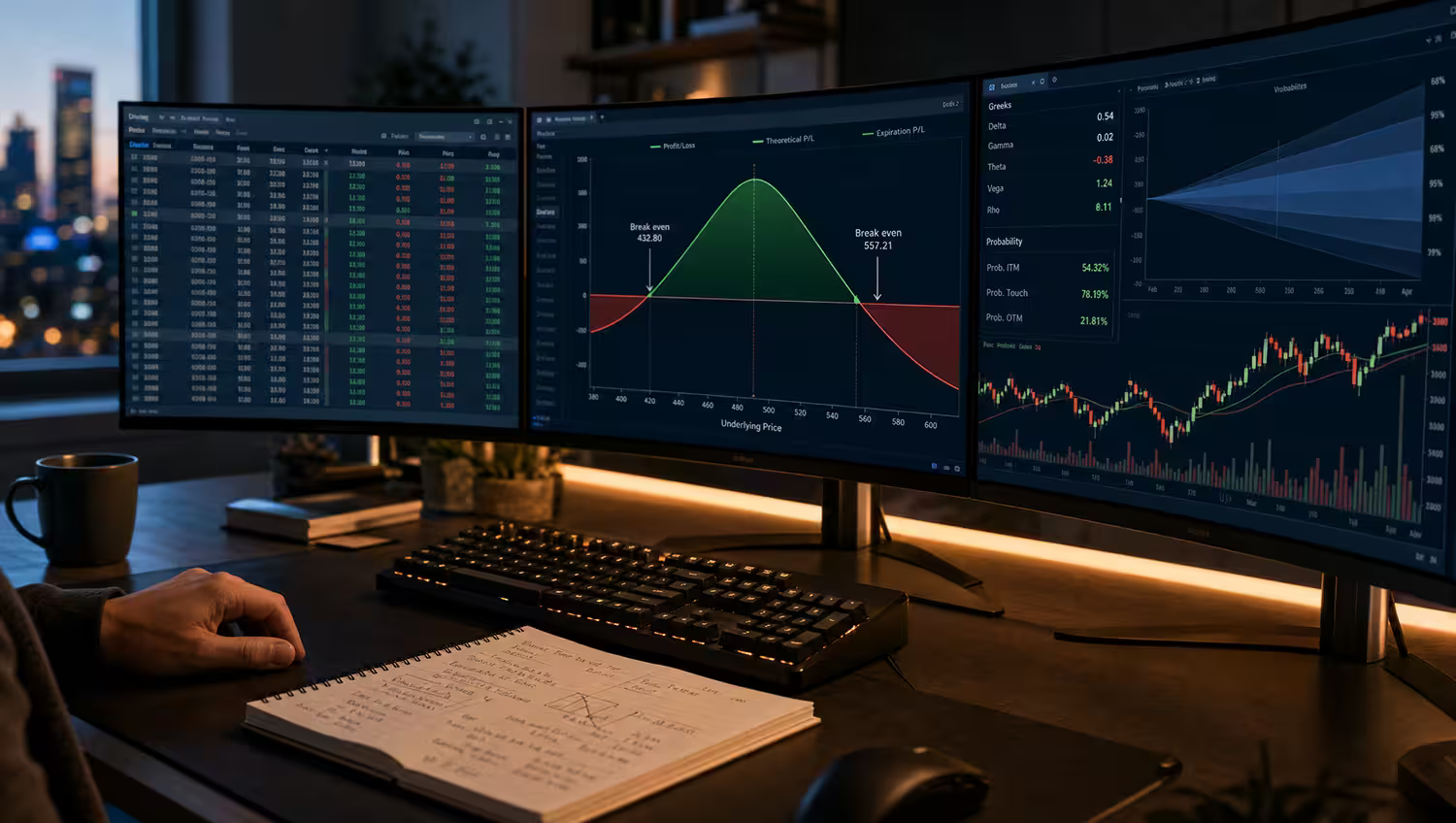
Most options traders do not need another random signal. They need a better feedback loop. The right options trading tools help a trader find a possible trade, understand the risk, enter it cleanly, and then review whether the process actually worked.
That is why this list does not rank tools only by how many indicators, alerts, or dashboards they offer. A serious options setup usually needs four jobs covered: idea discovery, strategy analysis, broker execution, and post-trade review. Leave one of those jobs uncovered and the workflow starts to wobble.
Options also require extra caution. FINRA notes that customers must be approved for options trading before a broker accepts options orders, and that approval considers factors such as knowledge, experience, financial situation, and objectives. Before comparing software, readers should also understand broad options risks and read their broker’s current options disclosure materials.
The Four Jobs of an Options Tool Stack
A tool is only useful if it solves a specific job in the workflow. Before paying for anything, decide which job is missing.
- Find the trade: screeners, scanners, unusual activity tools, and watchlists that surface candidates.
- Analyze the trade: payoff diagrams, Greeks, breakevens, probability views, and scenario modeling.
- Place the trade: broker platforms, option chains, order tickets, margin displays, and execution controls.
- Improve after the trade: journals, import tools, tagging, performance review, and repeatable notes.
Fast Takeaways
- tastytrade is our best overall options trading platform for active retail options traders who want options-first execution and analysis tools.
- OptionsPro ranks near the top because journaling and post-trade review are the part of the workflow many traders neglect.
- OptionStrat remains one of the easiest ways to visualize payoff diagrams before risking real capital.
- thinkorswim and Interactive Brokers are better fits for traders who want deeper platform power, analytics, and multi-asset workflows.
- Option Alpha, ORATS, Barchart, and Unusual Whales are stronger as research inputs than as push-button trade answers.
- No tool on this list guarantees profits, removes approval requirements, or makes a complex options strategy suitable for every account.
How We Chose the Best Options Trading Tools
We evaluated tools by the jobs they perform in a real options workflow. The most important factors were options-specific features, strategy visualization, risk and reward modeling, execution workflow, journaling and performance tracking, backtesting or historical analysis, ease of use, and value for the right type of trader.
We also separated beginner fit from advanced fit. A beginner may need clear payoff diagrams, simple broker tools, paper trading, and a journal. An advanced trader may care more about volatility surfaces, historical options data, automation rules, API access, or complex order entry.
Disclosure: OptionsTrading.org owns OptionsPro. We included it because the outline for this article specifically calls out the post-trade review gap, and OptionsPro is built for that job. We still included third-party tools where they are stronger for execution, data, strategy modeling, screening, backtesting, or options flow.
Best Options Trading Tools 2026: Quick Comparison
Use this table as a starting point. The best tool depends on whether the missing piece in your process is idea generation, analysis, execution, or review.
Rank | Tool | Best For | Free/Paid | Broker or Standalone? | Best User Type | Main Strength | Main Limitation |
|---|---|---|---|---|---|---|---|
1 | tastytrade | Best overall options trading platform | Broker account and commissions | Broker | Active retail options traders | Options-first workflow | Not a full journaling or deep data research suite |
2 | OptionsPro | Best free options trading journal | Free | Standalone | Traders who want better review habits | Options-focused tracking and feedback | Does not execute trades |
3 | OptionStrat | Best options profit calculator | Free plus paid tiers | Standalone | Visual strategy learners | Fast payoff diagrams | Not a broker or full journal |
4 | thinkorswim | Best advanced trading platform | Broker platform | Broker | Advanced retail traders | Deep analysis and paper trading | Can feel complex for beginners |
5 | Interactive Brokers | Best for professional options traders | Broker account and data costs | Broker | Professional and multi-asset traders | Powerful global platform and analytics | Steeper learning curve |
6 | TradingView Options Strategy Builder | Best chart-based strategy modeling | Free plus paid platform tiers | Standalone charting platform | Chart-first traders | Strategy visuals inside a charting workflow | Broker execution depends on connected workflows |
7 | Option Alpha | Best for backtesting and automation | Free plus paid tiers | Standalone automation platform | Systematic traders | Backtests and bot workflows | Automation still requires disciplined risk limits |
8 | ORATS | Best options data and volatility research | Paid data and API | Standalone data provider | Volatility and data-heavy traders | Options analytics and historical data | Overkill for casual traders |
9 | Barchart Options Screener | Best for screening options ideas | Free plus paid tiers | Standalone market data site | Idea screeners | Flexible options filters | Data may be delayed on some views |
10 | Power E*TRADE | Best for casual options traders | Broker platform | Broker | Casual and intermediate traders | Accessible broker tools | Less specialized than dedicated research suites |
11 | Fidelity Options Tools | Best for beginners | Broker platform | Broker | Education-focused beginners | Beginner education and strategy tools | Not the deepest active-trader platform |
12 | Unusual Whales | Best for options flow | Paid data platform | Standalone data platform | Flow and sentiment watchers | Options flow and market activity feeds | Flow is context, not a trading plan |
How to Read This List
This is not a claim that one trader needs all 12 tools. Most traders are better off with a small stack they actually use: one broker, one strategy visualizer, one journal, and maybe one research tool that matches their style.
- If you are missing trade review, start with a journal before adding another signal source.
- If you are missing risk clarity, start with a payoff calculator or platform risk graph.
- If you are missing execution controls, compare broker platforms and order tickets.
- If you are missing research depth, look at data, screeners, backtesting, or flow tools after your core process is stable.
1. tastytrade – Best Overall Options Trading Platform
tastytrade earns the top spot because it is built around options trading rather than treating options as an add-on to a stock platform. Its public options page highlights features such as Smart Order Chains, Strategy Selector, Curve View, and backtesting, which map directly to the analysis and execution work active options traders do every week.
The platform is especially useful for traders who already understand defined-risk structures, short premium, rolling, and multi-leg tickets. It keeps options strategy selection close to order entry, which reduces the gap between theory and the real ticket. The trade-off is that a new trader may still need outside education and a separate review process to avoid mistaking a slick workflow for a complete risk plan.
2. OptionsPro – Best Free Options Trading Journal
OptionsPro is the tool on this list that focuses on the part many options traders skip: what happened after the trade. The suite is positioned around tracking, brokerage integrations, risk analytics, P/L tracking, Greeks, payoff diagrams, and trade journal workflows.
That matters because a trader can have a good scanner, a good broker, and a good payoff calculator while still repeating the same sizing, timing, or exit mistakes. A journal gives the trader a feedback loop: strategy type, underlying, entry reason, exit reason, position size, outcome, and notes that can be reviewed later. OptionsPro is not a broker, and it should not be treated as a signal engine. Its role is to help the trader see patterns in their own decisions.
3. OptionStrat – Best Options Profit Calculator
OptionStrat is one of the clearest tools for visualizing options strategies before placing a trade. Its feature set includes a strategy builder, optimizer, unusual options flow, and pre-made options strategies, which makes it useful for traders who learn best through payoff diagrams.
The strongest use case is pre-trade risk review. A trader can model a long call, vertical spread, iron condor, calendar spread, or covered call and see how the payoff changes as price, volatility, and time move. That visual check can expose a trade that looked appealing in the option chain but has a poor breakeven, bad downside, or unrealistic profit target. OptionStrat is still a modeling tool, not a substitute for checking live quotes and fills at the broker.
4. thinkorswim – Best Advanced Trading Platform
thinkorswim remains a serious platform for advanced retail traders because it combines charts, option chains, analysis tools, and paper trading in one ecosystem. Schwab also promotes paperMoney as a virtual trading experience with real-time market data and virtual buying power for practice.
The platform is a strong fit for traders who want to test order entry, watch Greeks, analyze positions, and practice before going live. It is less ideal for someone who wants a very simple first options screen. The depth is the appeal, but depth also creates the possibility of clicking into tools, studies, and tickets before the strategy itself is understood.
5. Interactive Brokers – Best for Professional Options Traders
Interactive Brokers is strongest for traders who want professional-grade platform depth. Its Option Strategy Lab lets traders enter price or volatility forecasts, filter by variables such as premium, delta, strike, and expiration, then compare strategies using P/L and Greeks.
IBKR makes the most sense for traders who need multi-asset access, advanced analytics, order control, and data choices. The limitation is usability. A newer options trader can be overwhelmed by Trader Workstation, data permissions, margin displays, and the number of order choices. For professionals and highly active traders, that control is the reason to use it. For beginners, it may be more platform than needed.
6. TradingView Options Strategy Builder – Best for Chart-Based Strategy Modeling
TradingView’s Options Strategy Builder is a natural fit for traders who already live in charts. TradingView describes support for standard strategy templates, custom multi-leg strategies, payoff functions, P/L profiles, and Greeks inside the builder.
The appeal is context. Instead of building an options trade in a separate calculator and then returning to the chart, a trader can think about the underlying price action and the options payoff in the same workspace. It is best for strategy modeling and visual planning, not necessarily for every execution workflow. Traders still need to verify live option prices, spreads, liquidity, and broker order entry before acting.
7. Option Alpha – Best for Backtesting and Automation
Option Alpha stands out for traders who want to test rules before turning them into repeatable workflows. Its Backtester emphasizes 0DTE and next-day options strategies, 1-minute data, multi-year historical options data, stress testing, technical indicators, and the ability to turn a backtest into an automation bot.
That is powerful, but it cuts both ways. Backtesting can help a trader avoid building a strategy only around memory or anecdotes. Automation can also make a weak rule fail faster if risk limits, market regimes, fills, and position sizing are not handled carefully. Traders interested in this category may also want to read our guide to AI-powered tools for options trading so the automation boundary is clear.
8. ORATS – Best for Options Data and Volatility Research
ORATS is for traders and developers who need deeper options data, volatility analytics, historical indicators, and API access. ORATS describes data points such as implied volatility forecasts, slope, correlations, ratios, historical volume, earnings moves, IV rank, percentiles, skewness, and kurtosis.
This is not the first tool a casual trader needs. ORATS is best when a trader already knows what volatility question they are trying to answer. For example, a systematic trader may want to test whether a strategy behaves differently at certain implied volatility levels, around earnings, or in specific skew conditions. The limitation is that raw data does not become a trade plan without a clear research process.
9. Barchart Options Screener – Best for Screening Options Ideas
Barchart’s Options Screener is a practical idea-discovery tool for traders who want filterable options candidates. Barchart highlights custom filters, saved screeners, popular options pages, watchlists, portfolios, and hundreds of possible filter combinations.
The screener is useful for narrowing a messy market into a smaller research list. A trader might screen for covered call candidates, high volume contracts, unusual activity, or income-oriented setups. The important limitation is data freshness and context. Barchart notes that some stock and options data on the screener can be delayed, so any candidate still needs confirmation in the live broker platform before a trade is entered.
10. Power E*TRADE – Best for Casual Options Traders
Power E*TRADE is a good fit for traders who want broker-based options tools without building a more complex workstation. E*TRADE highlights features such as Risk/Reward Probabilities, Customizable Option Chain, Earnings Move Analyzer, Preset Scans, Strategy Seek, Spectral Analysis, and Risk Slide.
The platform works well for casual and intermediate traders who want analysis and execution in the same brokerage environment. It is not as specialized as a dedicated volatility data product, and it is not a full post-trade journal. Its role is practical: help a trader model, scan, and place options trades from a familiar broker account.
11. Fidelity Options Tools – Best for Beginners
Fidelity’s options tools are strongest for beginners and education-focused investors. Fidelity lists resources such as an Options Strategy Builder, beginner guide, P/L calculator, Strategy Evaluator, Probability Calculator, options summary page, option chains, and strategy ideas.
That makes Fidelity a reasonable place to start if the reader wants education and broker tools in the same environment. It is especially relevant for traders who value clear explanations and account support over ultra-active trading features. The limitation is that traders who need deep automation, advanced volatility data, or highly specialized options workflow may eventually outgrow the beginner-oriented tools.
12. Unusual Whales – Best for Options Flow
Unusual Whales is best known for options flow and market activity data. Its documentation describes a large endpoint set covering options flow, dark pool data, congressional trading, Greek exposure, volatility, REST, WebSocket, Kafka, and MCP access.
Options flow can be useful because it shows where activity is occurring, but it is easy to misuse. A large trade does not tell the reader whether the trade is an opening position, a hedge, a spread leg, or part of a larger portfolio. Flow should help a trader ask better questions, not outsource judgment. Readers focused on this category can compare more data sources in our best options flow data tools guide.
Tools Do Not Remove Options Risk
The OCC options disclosure document and broker risk disclosures exist for a reason. Options can expire worthless, lose value quickly, create assignment risk, require margin, and produce losses that may be larger or faster than a stock-only investor expects.
- A payoff diagram can show max loss, but it cannot guarantee a fill or exit price.
- A scanner can find contracts, but it cannot decide whether the setup fits the account.
- A backtest can reveal historical behavior, but it cannot promise future market conditions.
- A flow tool can show activity, but it cannot explain the full intent behind every order.
- A broker platform can accept an order only after approval; approval is not a recommendation.
How to Build a Practical 2026 Tool Stack
A beginner-friendly stack might be simple: a broker with clear education and approval rules, OptionStrat for payoff diagrams, and OptionsPro for journaling. That covers execution, analysis, and review without overwhelming the trader with advanced data.
An active retail trader might use tastytrade or thinkorswim for execution, OptionStrat or TradingView for strategy visualization, Barchart for screening, and a journal for post-trade review. The exact broker matters, so compare options trading brokers by option chains, commissions, approval workflow, margin display, order controls, and education before moving accounts.
A systematic or professional-style trader might use Interactive Brokers, Option Alpha, ORATS, and a structured journal. That stack only makes sense if the trader has a clear research question and enough discipline to separate backtest results from live-market expectations.
Before You Pay for an Options Tool
- Name the workflow job the tool solves: finding, analyzing, executing, or reviewing trades.
- Check whether data is real-time, delayed, end-of-day, or dependent on paid exchange permissions.
- Confirm whether the tool is a broker, a standalone platform, a data provider, or a journal.
- Review whether it supports the strategies you actually trade, not only the strategies shown in marketing examples.
- Look for export, import, tagging, notes, and historical review features if you want to improve over time.
- Test whether the tool makes max loss, breakeven, liquidity, assignment, and margin easier to see.
- Avoid paying for a signal feed before you have a way to review your own trades.
- Recheck pricing, feature tiers, broker availability, and data agreements because tool terms can change.
Useful Next Reads
These are grouped here as resources rather than forced into the main comparison.
- Compare execution platforms in the options brokers hub.
- Review beginner-friendly platform fit in options brokers for beginners.
- Understand the core risk backdrop in options risks.
- Compare signal and automation workflows in AI-powered tools for options trading.
- Go deeper on order activity in best options flow data tools.
FAQ
These answers are educational and should be checked against each tool’s current features, pricing, broker availability, and risk disclosures.
What is the best options trading tool for beginners?
Fidelity's options tools are the best fit on this list for many beginners because they combine education, strategy tools, calculators, and broker context. A beginner may also benefit from OptionStrat for payoff diagrams and OptionsPro for journaling.
What is the best free options trading tool?
It depends on the job. OptionsPro is the best free options journal in this list, while OptionStrat offers a useful free strategy visualization workflow. Free tools should still be checked for feature limits, data delays, and upgrade requirements.
What is the best options trading journal?
OptionsPro is our pick for the best options trading journal because it is built around options trade tracking, review, and performance feedback rather than generic notes. The best journal is the one a trader will use consistently after each trade.
What is the best options strategy builder?
OptionStrat is the best dedicated options strategy builder for quick payoff visualization. TradingView's Options Strategy Builder is better for traders who want strategy modeling inside a chart-based workflow.
What is the best options trading platform overall?
tastytrade is our best overall pick for active retail options traders because the platform is designed around options workflow. thinkorswim and Interactive Brokers may be better for traders who want deeper platform complexity or professional-style analytics.
Do options trading tools guarantee profits?
No. Options tools can help with analysis, screening, execution, backtesting, or journaling, but they do not guarantee profits, remove approval requirements, or make a strategy suitable for every account.
Build a Tool Stack, Not a Signal Pile
The best options trading tools for 2026 are not the ones that create the busiest screen. They are the tools that make a trader’s process clearer. A good stack helps the trader find candidates, model risk, place orders carefully, and learn from the outcome.
For many readers, that means starting smaller than expected. Choose one broker, one calculator or strategy builder, and one journal. Add screeners, flow, backtesting, or volatility data only when there is a specific question those tools answer.
The goal is not to make options feel effortless. The goal is to make the trade easier to understand before entry and easier to review after exit. That is the kind of tool stack that can actually improve decision-making.
Source and Freshness Note
Tool features, broker workflows, data availability, and pricing were reviewed on July 2026 using official product pages or documentation for the tools named in this article, plus FINRA approval context and the OCC options disclosure document.
Software features, broker permissions, exchange data terms, commissions, paid tiers, and platform availability can change. Readers should confirm each tool’s current feature set and risk disclosures before subscribing, connecting a brokerage account, or placing any options trade.