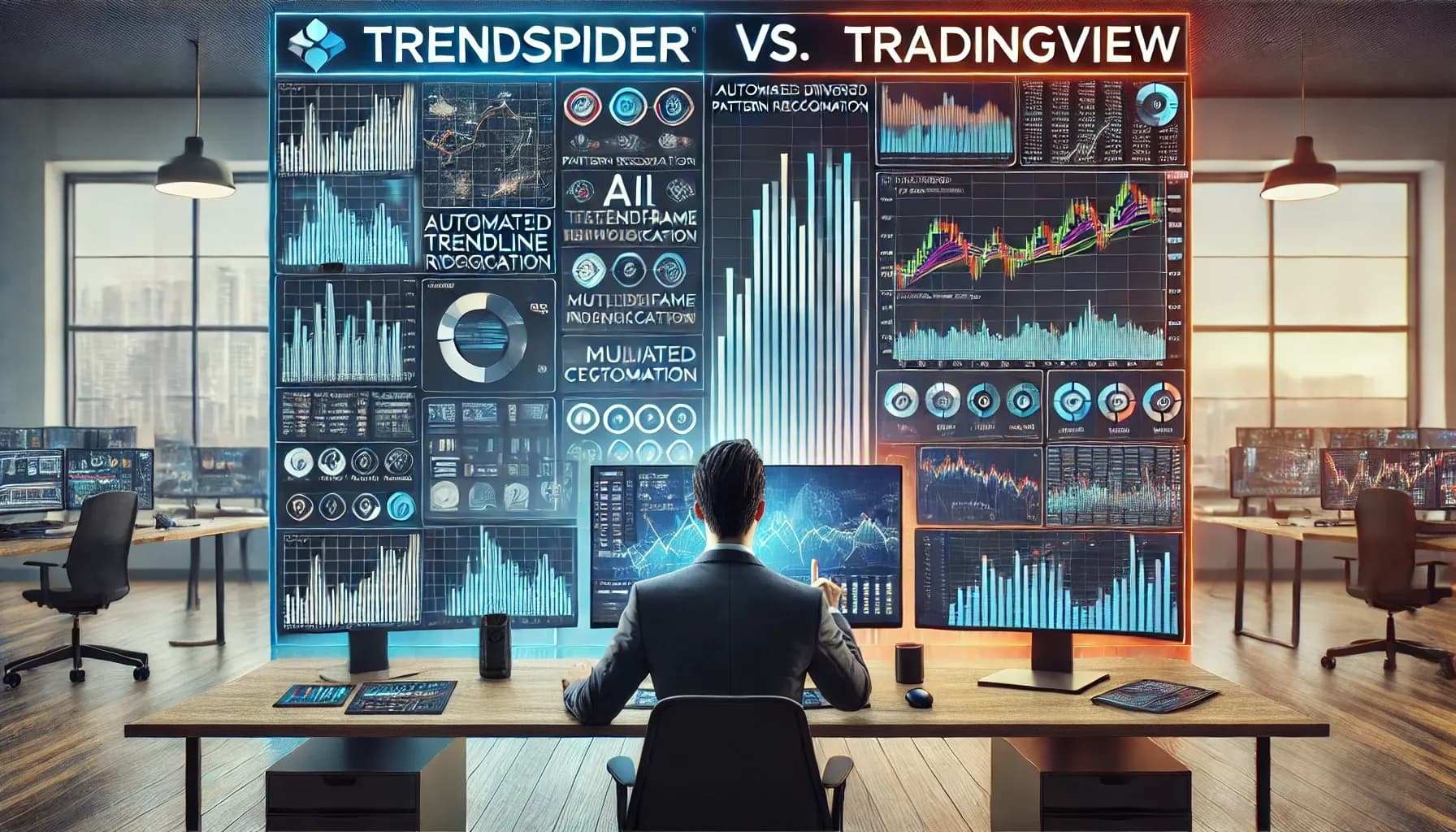
If you are attempting to pick an options trading platform, how do you know which one will be the best one for you? Because believe it or not, it is really important if you want to be successful in the financial markets. In this article we have done a complete side-by-side comparison between TrendSpider vs. TradingView.
Now, we can’t choose for you, but both have lots of features that are custom-made for different trading styles. TrendSpider is celebrated for its AI-driven pattern recognition, and TradingView distinguishes itself with an extensive community and versatile charting tools. So our purpose here is to give you, our readers, an unbiased comparison to help see which platform will march up with all of your trading needs. Let’s jump right in!
Key Features & Comparison
Before you decide on a trading platform, you have to understand the basic functionalities of each one! First up, we are gonna take apart their primary features so that you’ll be able to make an educated decision.
Charting & Technical Analysis
A good charting system and solid technical analysis are the bedrock of all successful trading—below, we look at exactly how both platforms cater to these important needs via a list of pros and cons.
TrendSpider Pros
- AI-Powered Pattern Recognition: TrendSpider uses advanced algorithms to automatically detect chart patterns, trendlines, and support/resistance levels, reducing manual analysis time. The feature is super beneficial for traders who are looking to streamline their analysis process.
- Automated Trendline Identification: The platform automatically draws and adjusts trendlines based on real-time data, which guarantees that traders have the most relevant info. This kind of automation aids in identifying potential breakout or breakdown points.
- Multi-Timeframe Analysis: Allows users to view multiple timeframes simultaneously, which gives them a more holistic overview of market trends. This is really advantageous for traders who base decisions on both short-term and long-term trends.
- Extensive Indicator Library: Has a lot of technical indicators that cater to different trading strategies. It’s this diversity that enables traders to customize their analysis to fit specific needs.
TrendSpider Cons
- Limited Chart Types: Compared to TradingView, TrendSpider has fewer chart types, which could be a limitation for traders who are looking for diverse visualization tools—it could restrict the ability to view data in their preferred formats.
- Less Customizable: The platform has fewer customization options for charts, which might not meet the wants and needs of all traders. Traders who want a more personalized interface will probably find this limiting.
TradingView Pros
- Diverse Chart Types and Drawing Tools: TradingView has a big array of chart types and drawing tools, and this means that traders are able to customize their analysis extensively. The flexibility caters to both new and experienced traders.
- User-Friendly Interface: The platform is designed with an intuitive interface, making it accessible for traders of all experience levels and the clean layout facilitates really easy navigation and analysis.
- Extensive Indicator Library: Similar to TrendSpider, TradingView has a comprehensive range of technical indicators, guaranteeing that traders have access to a variety of tools to inform all of their strategies.
- Highly Customizable: Traders can tailor their charts and analysis tools to fit their specific needs, and that definitely improves the overall user experience. The customization extends to creating personalized indicators and alerts.
TradingView Cons
- Less Advanced AI Features: Yes, TradingView does have automated technical analysis, but its AI-powered features are not nearly as advanced as those in TrendSpider. Traders who want the most sophisticated AI tools might see this as a negative.
Scanning & Screening
The whole reason that you’re trading is to make money, right? So, spotting potential trading opportunities effectively is the name of the game. How do each platform’s scanning and screening capabilities compare? Read on to find out!

TrendSpider
There is no doubt that TrendSpider’s stock screener is strong—it has advanced filtering options, and this includes AI-powered pattern recognition. It means that traders can identify possible trading opportunities based on specific technical criteria. The platform also supports multi-timeframe analysis so that users are able to scan across different timeframes simultaneously. But some users have said that scan results can take time to load, and that should be a consideration for day traders.
TradingView
TradingView also has a comprehensive screener with various filters, including fundamental data, so it’s suitable for traders who incorporate both technical and fundamental analysis into their strategies. The platform also has separate screeners for forex and cryptocurrencies, and that caters to a bigger crowd of traders. However, its technical screening capabilities don’t seem to be as sophisticated as TrendSpider’s, particularly in terms of automated pattern recognition.
Backtesting & Strategy Development
Testing your trading strategies before deploying them is another necessity, so below we examine how each platform fares in the department of backtesting and strategy development!
TrendSpider
TrendSpider has a really user-friendly backtesting environment that integrates seamlessly with its AI-powered features. Traders can test their strategies without the need for coding, so it’s accessible for those who don’t have any programming experience. The platform allows backtesting across multiple timeframes and provides detailed performance reports. But there are those advanced traders out there who will find the lack of coding flexibility to be wanting.
TradingView
TradingView also has powerful backtesting capabilities through its proprietary Pine Script language, and while it means traders can do extensive customization, it does take some coding knowledge. The platform also benefits from really strong community support—lots of users share their strategies and scripts. It’s a collaborative environment that can be really beneficial for traders who are looking to learn and implement new strategies.
Community & Social Features
A community of traders that help each other out can be a priceless tool in the trading space—it undoubtedly improves the entire experience. How do these two platforms handle social interaction? We find out below!
TrendSpider
TrendSpider has a smaller community compared to TradingView and has limited social features. The platform is concentrated more on individual analysis tools and not on community engagement. If you’re a more solitary trader, this could appeal to you!
TradingView
TradingView is the opposite in this area, as it boasts a big and active global community with strong social features! Users can share ideas, have the ability to follow other traders, and there are tons of community discussions, all which culminate in a collaborative trading environment. And this can be really beneficial for novice or less experienced traders who are looking for insights and mentorship.
Broker Integration & Trading
The ability to execute trades directly from your charting platform can streamline your trading process, so let’s take a look at how each platform handles broker integration!

TrendSpider
TrendSpider primarily focuses on providing advanced charting and analysis tools and offers limited broker integrations. As of now, it does not support direct trade execution from the platform. Traders using TrendSpider typically conduct their analysis on the platform and then place trades through separate brokerage accounts. The setup might require a few extra steps, but it does let traders utilize TrendSpider’s strong analytical features.
TradingView
TradingView has extensive broker integration so that users can execute trades directly from the platform. It supports a host of brokers globally, and traders can connect their brokerage accounts seamlessly. A direct integration facilitates a more streamlined trading experience—traders can analyze markets and execute trades all within the same interface. For those who appreciate efficiency and convenience, TradingView’s broker integration is a pretty big advantage.
Pricing & Plans
Cost is a pretty important factor when you are trying to pick a trading platform, so the following is the pricing structures for both platforms!
TrendSpider
TrendSpider has three subscription tiers:
- Premium: Priced at $39 per month (billed annually), this plan is suitable for part-time traders.
- Elite: At $79 per month (billed annually), this plan caters to experienced traders requiring more advanced features.
- Advanced: Costing $179 per month (billed annually), this tier is designed for professional traders needing the most comprehensive set of tools.
TrendSpider does not have a free plan, but it does have a 7-day free trial for users so that they can check out all of its features before they commit to a paid subscription.
TradingView
TradingView has a more diverse pricing structure with a free basic plan and three paid tiers:
- Pro: $14.95 per month (billed annually)
- Pro+: $29.95 per month (billed annually)
- Premium: $59.95 per month (billed annually)
The free plan does have limited features but is sufficient for beginners to get acquainted with the platform. The paid plans give users access to the more advanced tools and increased data allowances. TradingView’s pricing is more affordable, so it’s more accessible to a bigger range of traders.
User Experience & Interface
Finding the right trading platform isn’t just about features—it’s also about how easy it is to use. A well-designed interface can streamline analysis, improve efficiency, and make complex tools more accessible. TrendSpider and TradingView take different approaches in this area. TrendSpider focuses on automation and AI-driven insights, aiming to simplify technical analysis for traders who want advanced tools without manual effort. TradingView, on the other hand, prioritizes flexibility and customization—it’s a highly visual and interactive experience. Next, we unpack how each platform handles usability, design, and overall experience!

TrendSpider
TrendSpider is designed to streamline the technical analysis process via automation and advanced algorithms.
Pros
- Automated Technical Analysis: TrendSpider’s best feature is its automated technical analysis, which includes automated trendline detection and pattern recognition. The automation decreases the need for manual charting so that traders can concentrate more on their strategy development.
- Raindrop Charts: A really unique offering from TrendSpider are Raindrop Charts! They provide a volume-based view of price action, which gives insights that traditional candlestick charts may not reveal. This can be super useful for traders who are looking to understand the behavior of volume within price movements.
- Dynamic Alerts: TrendSpider lets users set up dynamic alerts on trendlines, indicators, and other chart features. The alerts adjust automatically with the price movements, which verifies that traders get timely notifications without having to make constant manual adjustments.
Cons
- Steeper Learning Curve: Because of its advanced automated features, TrendSpider will present a steeper learning curve for traders who are accustomed to manual analysis. The platform’s depth takes time and effort to understand and utilize its capabilities fully.
- Limited Community Features: TrendSpider focuses on individual analysis and does not have extensive community or social trading features. Traders who like collaborative environments or shared insights will find this aspect to be lacking.

TradingView
TradingView is known for its comprehensive charting tools and a really strong accentuation on community.
Pros
- Highly Customizable Charts: TradingView has a ton l of chart types, drawing tools, and indicators. Traders can customize their charts like crazy and customize them to their specific strategies and preferences.
- User-Friendly Interface: The platform is designed with an intuitive interface that is for both beginners and experienced traders. The layout is clean, and tools are easily accessible, which always improves the overall user experience.
- Strong Community Engagement: TradingView has a really vibrant community where traders can share ideas, publish analyses, and collaborate. It’s a social aspect that provides opportunities for learning and gaining different market perspectives.
Cons
- Overwhelming for New Users: The extensive range of features and tools available on TradingView can be a lot for newcomers, and it will take some time for users to explore and get acclimated with all of the functionalities that the platform offers.
- Limited Automated Analysis: Unlike TrendSpider, TradingView does not have advanced automated technical analysis features. Traders who want automated pattern recognition or trendline analysis will probably find TradingView to be much less accommodating in this regard.
Which Platform Is Right for You?
Every trader has different needs when it comes to choosing a platform—some want automation to handle the heavy lifting, and others want complete control over their analysis and execution. TrendSpider and TradingView both have powerful tools, but they serve different types of traders.
TrendSpider really leans into AI-powered automation so that traders are able to quickly identify patterns, trends, and setups without spending hours manually analyzing charts. It’s a great fit for those who want to streamline their process and concentrate on strategy instead of drawing lines and scanning the markets.
TradingView, on the other hand, has a highly customizable experience with extensive charting tools, a massive trading community, and direct broker integration. It’s built for traders who like to go deep into the data, collaborate with others, and tweak their setup to fit their distinctive approach.
But which one is ideal for you and your particular trading style?
TrendSpider
TrendSpider is designed to streamline the technical analysis process via automation and advanced algorithms.
Ideal for
Traders Who Prioritize AI-Powered Analysis and Automation
If you’re looking to cut back on your manual charting efforts, TrendSpider’s automated technical analysis tools, like automated trendline detection and pattern recognition, will be invaluable. The features mean that you can focus more on strategy development rather than manual plotting.
Traders Focused on U.S. Markets
TrendSpider primarily caters to U.S. markets with real-time data for stocks, ETFs, and other securities listed on American exchanges. If your trading activities are concentrated within the U.S., this platform will match up well with your needs.
Traders Who Value Advanced Pattern Recognition and Screening
The platform’s advanced pattern recognition capabilities and customizable scanners enable traders to identify specific market conditions and setups efficiently. This is really helpful for those who rely on technical patterns and screening criteria to inform their trading decisions.
TradingView
TradingView is celebrated for its comprehensive charting tools and a super strong emphasis on community engagement.
Ideal for
Traders Who Want a Large Community and Social Interaction
TradingView has bragging rights to a vast and really active community of traders and investors. The platform lets users share ideas, publish analyses, and engage with others, making it a collaborative environment that can be really helpful for learning and gaining different market perspectives.
Traders Who Prioritize Charting and Technical Analysis
With its extensive array of chart types, drawing tools, and technical indicators, TradingView is a highly customizable charting experience. Traders who rely heavily on technical analysis will undoubtedly appreciate the depth and flexibility that are offered by the platform’s tools.
Traders Who Need Extensive Broker Integrations and Global Market Coverage
TradingView has integration with numerous brokers and that means a seamless trade execution directly from the platform. Additionally, it has access to a host of global markets, including stocks, forex, cryptocurrencies, and commodities, so it’s a bonus for traders who want to diversify their trading across different asset classes and regions.
Traders Comfortable with Customization and a Learning Curve
TradingView does have powerful tools and extensive customization options, but new users will bump up against a learning curve when they are navigating the platform. But if you are willing to invest the time to learn, the platform’s flexibility can be a huge advantage—traders are able to tailor their workspace to their exact needs and preferences.
If you prioritize automated technical analysis and primarily trade within U.S. markets, TrendSpider will probably be the better choice. Conversely, if you appreciate a strong community, advanced charting capabilities, extensive broker integrations, and access to global markets, TradingView could be the best fit for you! Think about your trading style, objectives, and the features that are most important to you when making your decision.
Still have more questions about one or both of these platforms? We suggest reading our first-hand reviews of both of these platforms to get an even more in-depth look.
Conclusion: Which One is Right For You?
What have we learned? Well, both TrendSpider and TradingView have powerful tools for traders, but they will serve different styles and priorities. Choosing between them all comes down to whether you like AI-driven automation or are more of a hands-on trader who wants customizable charting.
Time for a quick recap of TrendSpider vs. TradingView:
TrendSpider
- Best for traders who want AI-powered automation to identify patterns and trends.
- Focuses primarily on U.S. markets with a really strong emphasis on technical screening.
- It has automated trendline detection, multi-timeframe analysis, and smart alerts to cut back on manual work.
- Less emphasis on broker integration and community features.
TradingView
- Designed for traders who want customizable charts and technical analysis tools.
- Has global market coverage and integrates with numerous brokers for direct trading.
- Includes a large and active trading community so that users are able to share ideas and strategies.
- More manual but has extensive customization with Pine Script for those who are comfortable with coding.
Final Thoughts
The right platform all depends on how you trade. If you want AI-powered assistance and automation to speed up your analysis, TrendSpider is a strong choice. If you prefer manual control, social interaction, and broad market access, TradingView is likely the better fit. Budget, preferred asset classes, and the importance of community should also factor into your decision.
The best way to decide? Try both platforms if you’re able to! TrendSpider has a free trial, so, you know, it’s free, and TradingView has a free plan with basic features. Test them out, explore all of their tools, and see which one feels like it’s more intuitive for your trading style. A hands-on approach is always the best way to help you pick the platform that will help you get to your options trading goals!
Frequently Asked Questions
You may be ready to choose between TrendSpider and TradingView, or you might still be on the fence! Just remember to look at the main three things: features, pricing, and usability. And look below for answers to some of the most commonly asked questions we have gotten about these two trading platforms!
Can I Use Trendspider or Tradingview for Paper Trading?
You can! Both platforms let users practice trading without risking any real money.
TradingView has a built-in paper trading feature that simulates live market conditions so that traders can test out strategies without making real trades.
TrendSpider does not have a dedicated paper trading feature, but it does let users backtest strategies and analyze historical price action to refine their approach before they trade live.
Which Platform Has Better Mobile App Support?
TradingView has a highly rated mobile app for both iOS and Android, has full functionality, including charting, indicators, alerts, and community features.
TrendSpider also has a dedicated mobile app, but it is a little bit more limited in functionality compared to its desktop version. It primarily focuses on market scanning and alerts instead of full-fledged charting and analysis.
How Do the Charting Capabilities of Trendspider and Tradingview Compare?
Both platforms have really strong charting tools, but they cater to different user preferences:
– TrendSpider: Places strong emphasis on automated technical analysis with features like automated trendline detection and multi-timeframe analysis. It’s an approach that is beneficial for traders who want algorithmic assistance in identifying patterns and trends.
– TradingView: Has highly customizable charting options with a big variety of chart types, drawing tools, and indicators. It appeals to traders who like manual charting and the flexibility to personalize their analysis environment.
Are There Differences in the Learning Curve between Trendspider and Tradingview?
There is, indeed! The learning curve differs in the following ways:
– TrendSpider: While it has powerful automated features, some users will probably find it to be overwhelming at first because of its advanced capabilities. But if you are looking for automation, the platform can streamline the analysis process.
– TradingView: Known for its user-friendly interface, it still will present a learning curve due to the extensive range of features and customization options. Traders who like to explore and customize their tools will probably find this platform to be more engaging.
How Do the Pricing Structures of Trendspider and Tradingview Differ?
Pricing is always a big consideration, so here is how they differ:
– TrendSpider: Had three subscription tiers—Premium, Elite, and Advanced—priced at $39, $79, and $179 per month, respectively, when billed monthly. The plans cater to different levels of trading activity and feature requirements.
– TradingView: Has a free basic plan and three paid tiers—Pro, Pro+, and Premium—priced at $14.95, $29.95, and $59.95 per month, respectively, when billed monthly. The free plan has limited features, and the paid plans unlock the more advanced functionalities.
Are There Any Hidden Costs Associated with Each Platform?
There aren’t any hidden costs, but there will be a price, as certain broker integrations might involve extra fees—it all depends on the brokerage.
TrendSpider has a higher base price and does not have a free version, so users will have to subscribe to one of its paid plans, and certain advanced features are only available on the higher-tier plans.
TradingView has a free plan, but some of its best features, like extended market hours and multiple indicators per chart, require a paid subscription.
Disclaimer: This article is for informational purposes only and should not be considered as financial advice. Trading involves a lot of risk, and users should conduct their own research before they choose a platform or make any investment decisions. Neither TrendSpider nor TradingView guarantees any profitability, and past performance is not indicative of future results!